
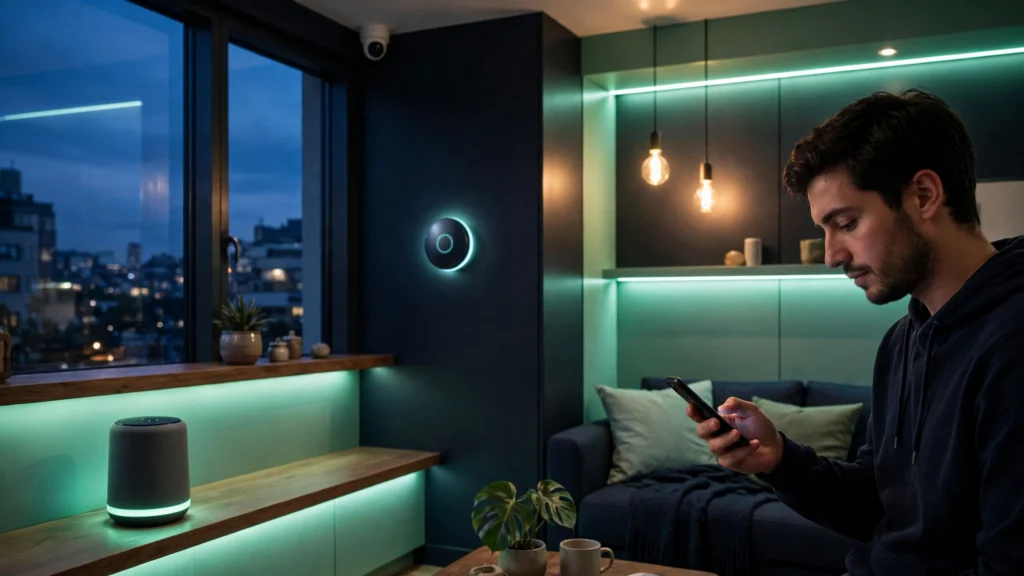
How to Set Up a Smart Home in 2026: The Complete Beginner’s Guide
Learning how to set up a smart home is easier than it has ever been. You do not need to rewire your house, hire an installer or spend thousands of pounds. In 2026, a smart home starts with one speaker and one light bulb, and it grows from there — a room at a time, at whatever pace and budget suits you.
This guide walks you through how to set up a smart home from scratch: choosing a platform, getting your Wi-Fi ready, picking your first devices, setting up automations, and keeping the whole thing secure. By the end, you will have a plan that works for a flat, a family house or anything in between.
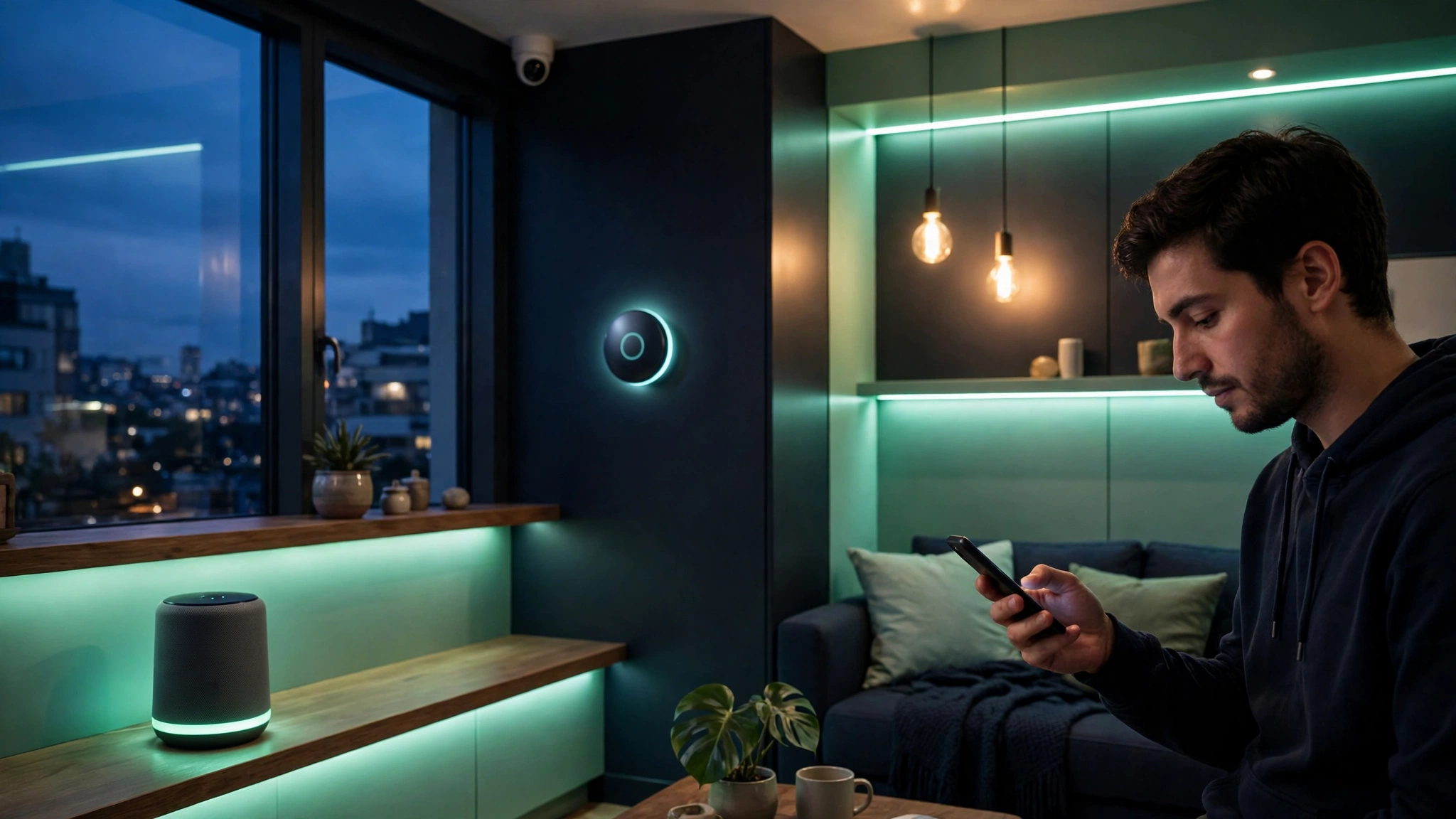
How to Set Up a Smart Home: Start With a Plan
Before you buy anything, decide what you actually want your smart home to do. The most common starting points are convenience (turning lights on with your voice), comfort (heating that warms the house before you get home), security (cameras and door sensors), and entertainment (music in every room). Write down the two or three things that would genuinely make your daily life easier, and start there.
Most people begin in one room — usually the living room or the bedroom — and expand later. That is the right approach. A smart home that does three things well is far better than one that does twenty things badly, and starting small means you learn how the system works before you spend serious money on it.
It is also worth deciding early whether you want to control everything by voice, by phone, or automatically. Voice control is the most fun, phone control is the most flexible, and automation — lights that turn on at sunset, heating that adjusts itself — is where a smart home actually earns its keep. A good setup uses all three.
Step 1: Choose Your Smart Home Platform
The first real decision in how to set up a smart home is which platform to build on. The platform is the brain of your system: it is the app and the voice assistant that all your devices talk to. The three main options in 2026 are Amazon Alexa, Google Home and Apple HomeKit, and the right choice mostly depends on the phone and devices you already own.
Amazon Alexa
Alexa has the widest range of compatible devices and the most affordable speakers, starting with the Echo Dot. If you want the biggest choice of gadgets and you do not mind Amazon’s ecosystem, Alexa is the safe default. It works with almost every smart home brand, and its Routines feature makes automation easy.
Google Home
Google Home is the best choice if you use Android and Google services. The Google Assistant is the smartest of the three voice assistants at understanding natural questions, and Nest devices — thermostats, cameras, doorbells — integrate beautifully. Google Home also works well with a huge range of third-party devices.
Apple HomeKit
Apple HomeKit is the best choice for iPhone users who care about privacy. It is the most locked-down of the three platforms, with strong encryption and a rule that devices must meet Apple’s security standards. The range of compatible devices is smaller than Alexa or Google, but the introduction of the Matter standard has closed much of that gap. If you already live in the Apple ecosystem, HomeKit feels seamless.
The golden rule is to pick one platform and stick with it. Mixing platforms is possible, but it means juggling multiple apps and losing the automations that make a smart home feel smart. If you already have a smart speaker, you have probably already chosen — check which platform it runs before buying anything else. For speaker recommendations, see our roundup of the best smart speakers 2026.
Step 2: Fix Your Wi-Fi First
This is the step everyone skips and everyone regrets skipping. A smart home lives or dies on your Wi-Fi. Every smart bulb, camera and sensor connects to your network, and if your Wi-Fi is weak in the rooms where the devices live, they will drop offline, respond slowly or fail at the worst moment.
Before you buy a single device, walk around your home with your phone and check the Wi-Fi signal in every room where you plan to put smart gear. If you have dead spots, fix them first — usually with a mesh Wi-Fi system, which uses several small units around the house instead of one router in a corner. Our guide to how to speed up your home Wi-Fi covers the quick wins, and our guide to what Wi-Fi 7 is and whether you should upgrade explains when a new router is worth the money.
Two practical tips: put your smart home devices on your main Wi-Fi network rather than a guest network, because some devices cannot talk to each other across networks; and if your router supports it, create a separate network name for your smart devices. That keeps them isolated from your computers and phones, which is better for security — more on that below.
Step 3: Buy Your First Devices
With a platform chosen and Wi-Fi sorted, it is time to buy. Here is the order that works best for most people.
Start with a smart speaker
A smart speaker is the control centre of your smart home. It gives you voice control, it plays music, and it acts as the hub that other devices connect through. One speaker in the room you spend the most time in is enough to start. Place it somewhere central, away from walls and away from the television, so it can hear you properly.
Add smart lighting next
Smart bulbs are the single most satisfying smart home purchase. Start with the room you use most in the evening — usually the living room — and replace the main bulbs with smart ones. You will be able to dim them, change their colour, turn them off from bed, and set them to come on automatically at sunset. Philips Hue is the most polished system, but there are good cheaper options from brands like TP-Link Tapo and IKEA that work with all three platforms.
If you have lots of bulbs on one switch, a smart switch is cheaper than replacing every bulb. And if you rent your home, stick to bulbs rather than switches — bulbs come with you when you move, switches do not.
Then add a smart thermostat
A smart thermostat pays for itself. It learns your schedule, turns the heating down when you are out, and warms the house before you get home. In a climate like Saudi Arabia’s, where air conditioning is the bigger cost, a smart thermostat or a smart air conditioning controller can cut your cooling bill noticeably by avoiding cooling an empty house. Nest, Ecobee and Tado are the most popular options.
Then security: cameras, doorbell and sensors
A video doorbell is the most useful security device for most homes — you can see who is at the door from anywhere, and it records visitors. Add a camera for the entrance and a door or window sensor or two, and you have a basic security system for a fraction of the cost of a monitored alarm. Make sure any camera you buy works with your chosen platform, and check whether it needs a subscription for video history.
Step 4: Set Up Automations
Automations are what turn a collection of smart gadgets into an actual smart home. An automation is a simple rule: when this happens, do that. Start with the easy ones and build up.
Good first automations include: lights that turn on at sunset and off at bedtime; the thermostat dropping a few degrees when everyone leaves the house; a “good night” command that locks the doors, turns off all the lights and sets the alarm; and a morning routine that turns on the lights, reads the weather and starts the coffee machine.
Every platform has its own automation builder — Alexa calls them Routines, Google calls them Automations, and Apple calls them Automations too. They all work the same way: pick a trigger (a time, a voice command, a sensor, or someone arriving home), then pick the actions. Keep your first automations simple and test them for a week before adding more. An automation that fires at the wrong time is worse than no automation at all.
Step 5: Secure Your Smart Home
A smart home is only as secure as its weakest device, so this step matters. The good news is that securing it is mostly a matter of basic hygiene.
First, change every default password. Smart devices sometimes ship with a default admin password, and botnets scan the internet for exactly those. Second, turn on two-factor authentication for your smart home platform account — if someone gets into your Alexa or Google account, they can control your home, so protect it like you protect your email. Our guide to how to set up two-factor authentication walks through it for the major services.
Third, keep your devices updated. Smart home gadgets receive security updates just like phones do, and most platforms install them automatically — check that automatic updates are on. Fourth, secure your router: change its admin password, keep its firmware updated, and use a strong Wi-Fi password. Our guide to how to secure your home Wi-Fi router covers this in detail.
Finally, think about what your devices record. Cameras inside the house and microphones in bedrooms are a privacy trade-off, and many people keep cameras outside only. Check each device’s privacy settings and turn off any recording or data sharing you are not comfortable with.
How Much Does a Smart Home Cost?
A basic smart home costs far less than most people expect. A sensible starter setup — one smart speaker (around $50), four smart bulbs (around $40), and a smart plug or two (around $25) — comes to roughly $100 to $150. That gives you voice-controlled lighting and music in your main room, and it is enough to know whether you enjoy living with a smart home.
A mid-range setup, adding a smart thermostat (around $130 to $250) and a video doorbell (around $100 to $180), brings the total to roughly $400 to $600. A full setup with cameras, sensors, smart locks and whole-home lighting can run into the thousands, but there is no reason to buy it all at once. The best smart homes are built over months, one room at a time, buying devices when they are on sale.
One cost people forget is subscriptions. Some cameras and doorbells charge a monthly fee for video history, and some services charge for advanced features. Check before you buy, and prefer devices that work fully without a subscription where you can.
Common Mistakes When You Set Up a Smart Home
The most common mistake is buying devices before choosing a platform. A cheap smart bulb that only works with its own app and not with Alexa, Google or Apple will become a frustration within a week, so always check platform compatibility before you buy. Look for the Matter logo on the box — Matter is the new industry standard that lets devices work across platforms, and it is the safest bet for anything you buy in 2026.
The second mistake is buying too much, too fast. A house full of gadgets you have not set up properly is worse than a single room that works well. Buy one device, set it up, live with it for a week, then buy the next one.
The third mistake is ignoring the Wi-Fi. If your devices keep going offline, the problem is almost always the network, not the device. Fix the Wi-Fi first and most “unreliable” smart home problems disappear.
The fourth mistake is forgetting the household. If you share your home, make sure everyone knows how to use the system — including how to turn the lights on when the voice assistant misunderstands you. A light switch that only works through an app is a failure, not a feature. Keep physical switches working wherever you can.
Conclusion
That is how to set up a smart home in 2026: pick one platform and stick with it, fix your Wi-Fi before you buy anything, start with a smart speaker and smart lights, add heating and security next, and build automations slowly once the basics work. Start small, spend a little, and let the system grow room by room. Within a few weeks you will have a home that turns its own lights on, warms itself before you arrive, and tells you who is at the door — and you will wonder why you waited so long to start.
Pingback: Best Home Security Cameras 2026: 7 Top Picks for Every Home
Pingback: Best Smart Locks 2026: 7 Top Picks for Every Home