
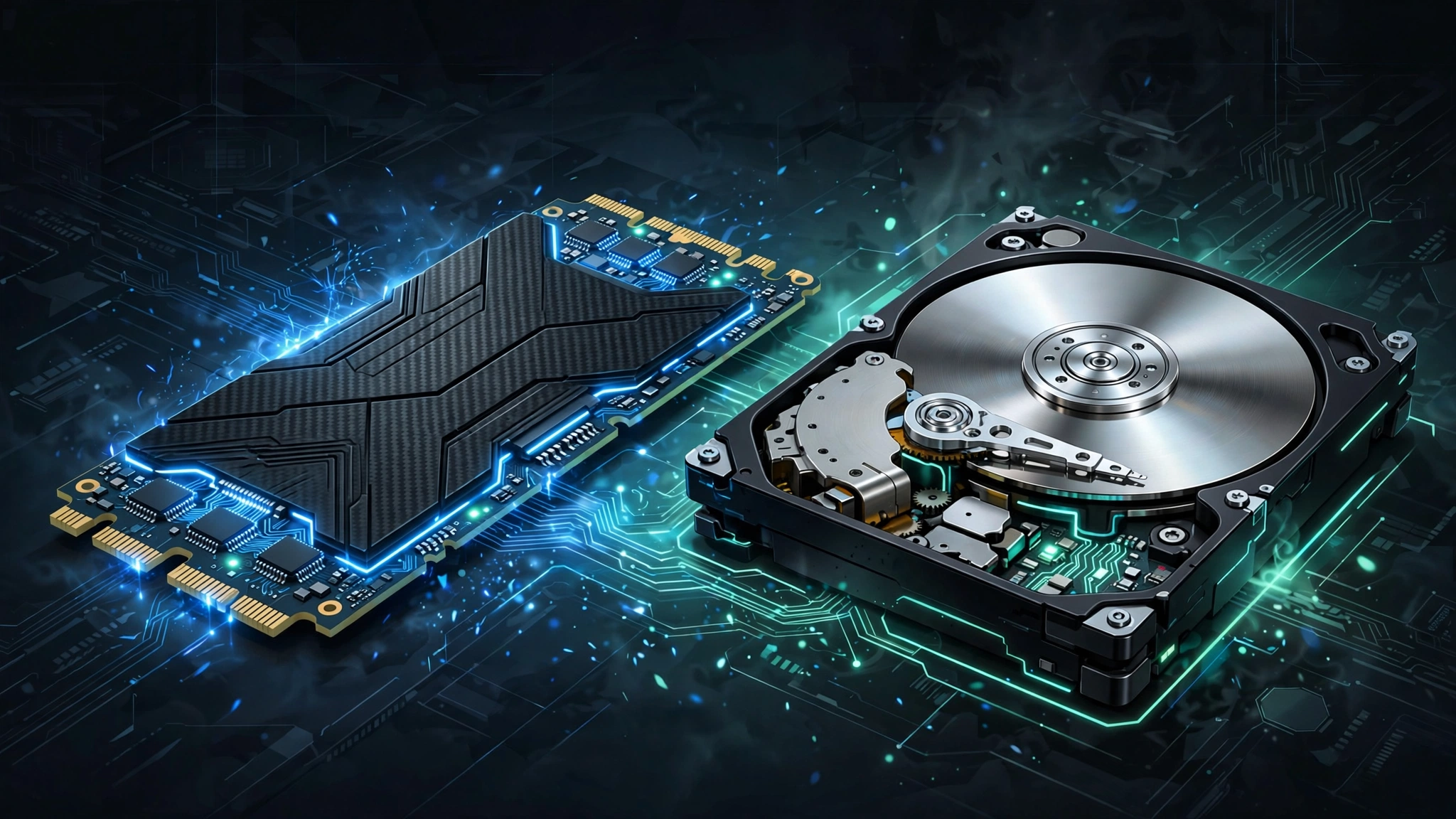
SSD vs HDD — which storage should you buy in 2026? It’s one of the most common storage questions, and the answer is clearer than ever, though not quite as simple as “SSD always wins.” Here’s how the two compare on the factors that actually matter.
Speed: SSD Wins by a Landslide
This is the biggest difference. A typical SATA SSD reads data at around 550 MB/s, while a traditional HDD manages 80–160 MB/s. NVMe SSDs — the modern standard — push 3,000 to 7,000+ MB/s. In real terms: Windows boots in 10–15 seconds on an SSD versus a minute or more on an HDD, games load dramatically faster, and everything feels snappier.
Price per Gigabyte: HDD Still Cheaper
HDDs remain the budget king for bulk storage. A 4TB HDD often costs less than a 1TB NVMe SSD. If you need massive capacity for media libraries, backups, or archives on a tight budget, hard drives still make sense.
Capacity: HDD Leads at the Top End
Consumer HDDs go up to 20TB+, while affordable SSDs top out around 4–8TB. For network-attached storage (NAS) or media servers holding terabytes of video, HDDs are still the practical choice.
Durability and Lifespan
SSDs have no moving parts, so they survive drops and bumps that would kill a hard drive — a big deal for laptops. Modern SSDs also last far longer than their rated write limits suggest; for typical use, an SSD will outlive the computer it’s installed in. HDDs, with spinning platters, are more fragile but can run for many years in a stationary desktop.
Noise and Power
SSDs are completely silent and use less power — another reason they’re ideal for laptops. HDDs hum, click, and vibrate, and draw more power.
SSD vs HDD for Gaming and Creative Work
For gamers, the SSD vs HDD choice directly affects every session. Modern games stream massive open worlds in real time, and an SSD eliminates texture pop-in while cutting level load times from minutes to seconds. Consoles like the PlayStation 5 and Xbox Series X have SSDs built in, and today’s games are designed around that speed. On PC, installing games on an HDD in 2026 means longer waits and stuttering in open-world titles.
Creative professionals see similar gains. Video editors working with 4K footage need the sustained read speeds only an SSD provides — scrubbing through a timeline on a hard drive is an exercise in frustration. Photographers with large catalogs get snappier previews and faster exports. If your work involves moving big files regularly, the SSD vs HDD decision makes itself.
HDDs still earn their place as secondary storage, though. A large hard drive is perfect for archiving finished projects, storing media libraries, or keeping backups. Pair a fast SSD for active work with a capacious HDD for cold storage, and you get the best of both worlds without overspending.
SSD vs HDD: Which Should You Buy?
Buy an SSD if: it’s your main system drive (this is non-negotiable in 2026), you want a laptop, you game, or you edit video. An NVMe SSD is the default choice for any new PC build.
Buy an HDD if: you need 4TB+ of cheap bulk storage for media, backups, or a NAS, and speed doesn’t matter for that data.
The smart combo: what most people should actually do is use both — a 500GB–1TB NVMe SSD for Windows, apps, and games, plus a large HDD for movies, photos, and backups. You get blazing speed where it counts and cheap capacity where it doesn’t.
The Bottom Line
In the SSD vs HDD debate, every computer you actively use in 2026 should boot from an SSD — full stop. HDDs aren’t dead; they’ve just been reassigned to the job they’re still best at: cheap, capacious bulk storage. Match the drive to the job and you’ll never overpay or wait on a loading screen again.
Pingback: Speed Up Slow Laptop: 12 Proven Ways (2026 Guide)
Pingback: Build Budget Gaming PC: The Best Beginner's Guide (2026)
Pingback: Fake Tech Reviews: 8 Proven Ways to Spot Them (2026 Guide)
Pingback: How Much RAM Do I Need? 2026 Buying Guide