
What Is a Mini PC and Should You Buy One in 2026?
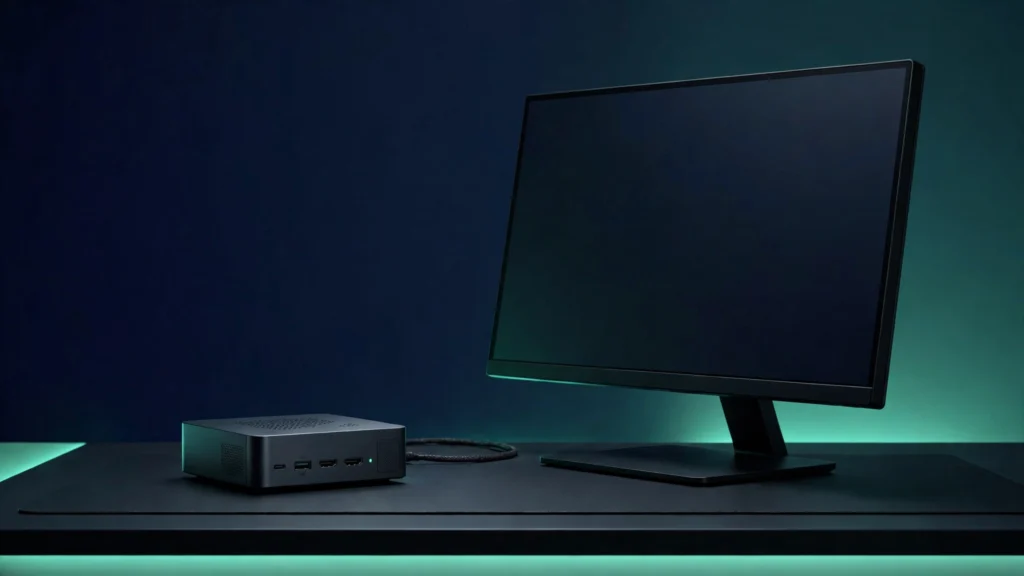
A mini PC is a complete computer in a box roughly the size of a paperback book, and in 2026 it is no longer a compromise for most people. It packs a processor, memory, storage, Wi-Fi, and all the ports you need into a tiny chassis, runs full Windows or Linux, and drives a monitor exactly like a traditional desktop tower. What it does not include is a screen, keyboard, or mouse, so you supply those yourself. If you have ever looked at a huge desktop tower under a desk and wondered why it needs to be that big, a mini PC is the answer, and this guide explains what a mini PC is, what it does well, where it falls short, and whether you should buy one.
Mini PCs have become genuinely capable because modern laptop-grade processors are far more powerful than they used to be, while using far less power. Brands such as GEEKOM, Minisforum, and ASUS now make palm-sized systems that handle everyday work with ease, and Apple’s Mac mini is the best-known example of the category. If you are choosing between a mini PC, a laptop, and a tower, our guide to choosing a laptop in 2026 covers the laptop side of that decision, and our guide to building a budget gaming PC covers the tower side for gamers.
What Is a Mini PC, Exactly?
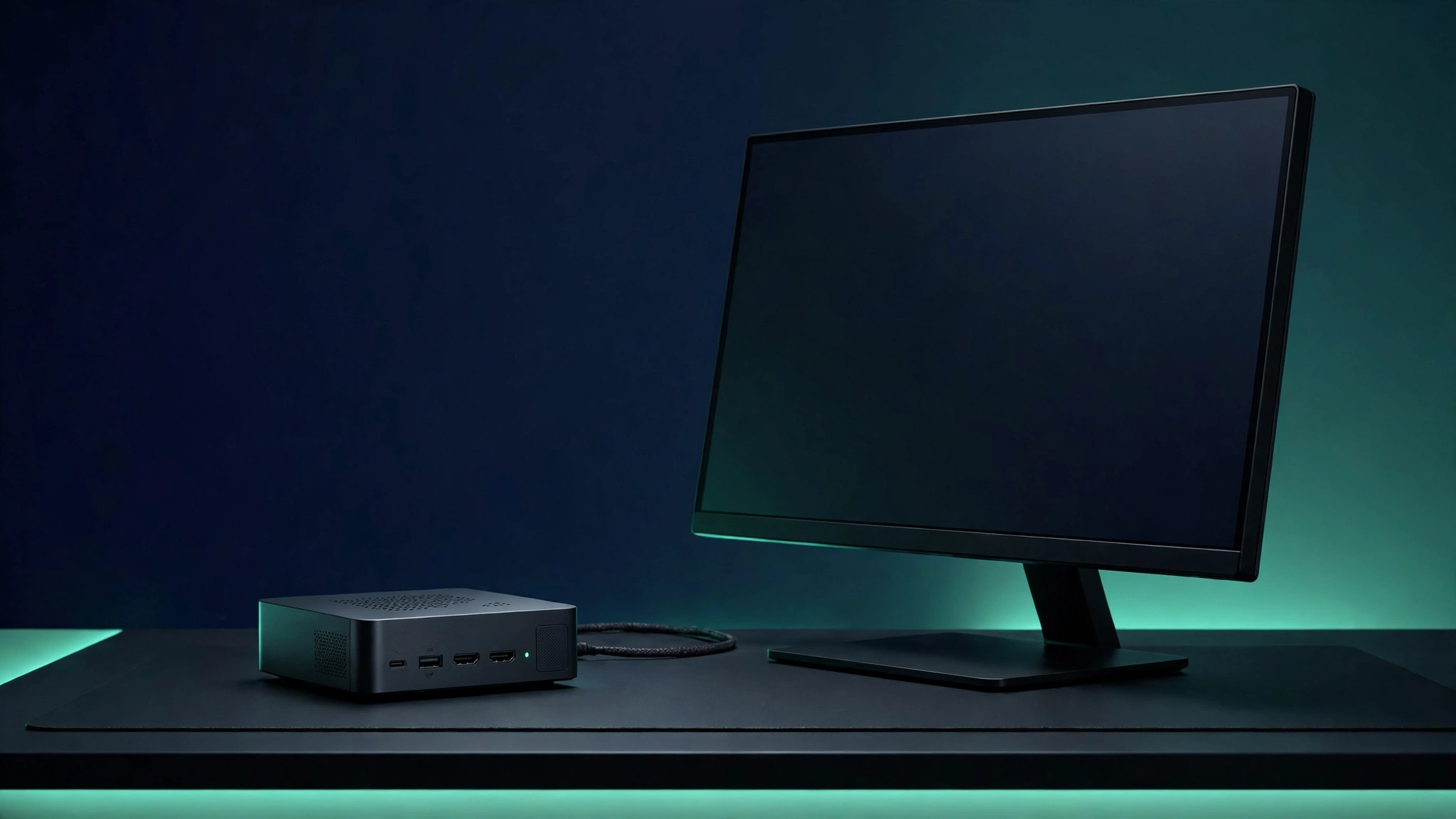
A mini PC is a small-form-factor desktop computer. Inside the tiny case you will find a processor, RAM, an SSD for storage, a Wi-Fi and Bluetooth module, and a set of ports for monitors, USB devices, and networking. Outside, you will usually find HDMI or DisplayPort outputs, several USB ports, an Ethernet port, a headphone jack, and a power input. You connect your own monitor, keyboard, and mouse, plug it in, and it works like any other desktop.
Most mini PCs use laptop-grade processors, which is the key to their size and efficiency. A laptop chip is designed to deliver strong performance in short bursts while using little power and producing little heat, which is perfect for a tiny case. The trade-off is that laptop chips cannot sustain the same heavy performance as a full desktop chip over a long rendering or gaming session, because there is less room for cooling. For everyday tasks, that trade-off is invisible. For heavy professional workloads, it matters.
Mini PCs come in two main types. The first is a ready-to-use system with RAM and storage already installed, which you just plug in and use. The second is a barebones kit, where you add your own RAM and SSD, which can save money if you already have parts or want specific sizes. Both types are real computers, not streaming boxes or thin clients, and both run full desktop software.
What Can a Mini PC Actually Do?
For everyday computing, a modern mini PC is more than enough. Web browsing with many tabs open, office documents, spreadsheets, video calls, email, streaming video, and light photo editing all run smoothly on a typical $400 to $600 mini PC. Many systems can also handle casual and esports gaming, older titles, and indie games at comfortable frame rates, especially at 1080p. They are also excellent as home theatre PCs, connected to a TV for streaming and media playback, and as home servers for file storage and media sharing.
What a mini PC cannot do well is heavy AAA gaming at high settings, serious 3D rendering, and long, demanding video exports. Those tasks need a dedicated graphics card and a large cooling system, which a tiny box simply cannot fit. Integrated graphics in a small thermal envelope will disappoint if you expect desktop gaming performance, and that is physics, not a bad model. If your main use is gaming or video production, a tower with a dedicated GPU remains the right choice.
For students, home offices, small businesses, and anyone who mainly works in a browser and office apps, a mini PC is often the best-value computer you can buy. It costs less than a comparable laptop, because you are not paying for a screen, keyboard, and battery, and it takes up almost no desk space.
The Pros of a Mini PC
Space is the most obvious advantage. A mini PC fits behind a monitor on a VESA mount, under a TV, or in the corner of the smallest desk, and it can completely disappear from view. For compact apartments, clean desk setups, and shared spaces, that size advantage is transformative. It also makes a mini PC easy to move from a home office to a living room, or to take to another room for a presentation.
Power consumption is the second major advantage. Most mini PCs use 15 to 65 watts under load, compared with 150 to 600 watts or more for a desktop tower with a dedicated graphics card. Over a year of daily use, that adds up to real savings on electricity bills, and it also means less heat in your room. Quiet operation is a related benefit: mini PCs are near-silent at idle and whisper-quiet under typical office loads, which is ideal for video calls, recording, and shared spaces.
Price-to-performance for everyday tasks is the third advantage. A mid-range mini PC handles documents, web, streaming, video calls, and light creative work without breaking a sweat, for less than a comparable laptop. You also get an abundance of ports on many models, often more than a laptop offers, which makes connecting monitors, drives, and accessories easy.
The Cons of a Mini PC
Limited upgradability is the biggest drawback. Most mini PCs allow only RAM and SSD swaps. You cannot replace the processor, add a dedicated graphics card, or significantly expand the system over time. When the machine becomes outdated, you replace the whole unit rather than upgrading one part. That means you should buy the processor performance you will need in three years, not just the performance you need today.
Thermal throttling is the second drawback. The compact chassis means less cooling headroom, so extended rendering, video exports, or gaming sessions can push temperatures up and cause the processor to slow down to protect itself. For short bursts of work, this is rarely noticeable, but for sustained heavy workloads, a tower will maintain performance better. Small fans can also whine under load, so check noise reviews if the PC will sit on your desk.
Other drawbacks are practical rather than deal-breaking. A mini PC has no built-in screen, keyboard, mouse, speakers, or battery, so you need all of those separately, and some models need a chunky external power brick. Port counts vary, so count what you need before buying, because adding ports later means dongles. And a mini PC is not portable in the laptop sense: once you add a monitor, keyboard, and power adapter, the total kit weighs about as much as a laptop and needs a power outlet.
Mini PC vs Laptop vs Desktop Tower
Versus a laptop, a mini PC is usually cheaper for the same performance, because you are not paying for a portable screen and battery, but it is not portable. If you work in one place and already have a monitor, a mini PC wins on value. If you work in cafes, travel, or move between rooms constantly, a laptop wins on convenience, and no mini PC can replace that.
Versus an all-in-one PC, a mini PC is more flexible and repairable. If the monitor fails on an all-in-one, you lose the whole computer, while a mini PC lets you replace just the monitor. Versus a tower, a mini PC is far smaller, quieter, and more power-efficient, but far less expandable and less powerful at the top end. The right choice depends on whether you value space and silence or raw performance and upgradability more.
A useful rule is this: if you need a dedicated graphics card, buy a tower. If you need portability, buy a laptop. If you need a quiet, compact, affordable desktop for one desk, buy a mini PC. Most people fall into that third group far more often than they expect.
What to Check Before You Buy a Mini PC
Start with RAM. Sixteen gigabytes is the comfortable minimum for smooth multitasking in 2026, and many mini PCs ship with just enough memory to feel slow within a year. Check whether the RAM is upgradable, and buy 16 GB or 32 GB if you can. Storage matters too: a 512 GB SSD is a sensible minimum, and check whether you can add a second drive later.
Next, check the ports. Count your monitors, USB devices, and Ethernet needs, and confirm the model has them, because small chassis means fewer ports. Check the processor generation and the Wi-Fi version, and look for a model from an established maker with a real warranty. Avoid no-name systems with vague specifications, because support and driver updates matter more on a small system than on a tower.
Finally, think about noise and cooling. Read reviews that mention fan noise under load, especially if the PC will sit on your desk or in a bedroom. A mini PC that is silent at idle but whines during video calls is not the bargain it first appeared to be.
Who Should Buy a Mini PC in 2026?
A mini PC is ideal for home office workers, students, small businesses, and anyone who wants a clean desk and a quiet computer for everyday work. It is also ideal as a second computer, a media PC for a TV, a home server, or a computer for a parent or child who mainly browses, studies, and streams. It is not ideal for serious gamers, video editors, 3D artists, or anyone who needs to upgrade a graphics card in the future.
If you are unsure, ask yourself one question: what is the heaviest thing I will do on this computer in the next three years? If the answer is browsing, office work, video calls, and streaming, a mini PC will serve you well. If the answer is AAA gaming or professional video work, save for a tower instead.
Conclusion
A mini PC in 2026 is a real computer, not a toy, and for most everyday users it is all the computer they will ever need. It saves space, saves power, runs quietly, and costs less than a comparable laptop, at the price of limited upgradability and no dedicated graphics card. Buy one if you work at one desk, value a clean setup, and mainly browse, write, and stream. Buy a tower if you game seriously or edit video professionally. Choose honestly, and the tiny box on your desk will quietly do everything you ask of it.