
Apple’s First Touchscreen MacBook Pro Is Here: OLED, Dynamic Island and Everything Announced
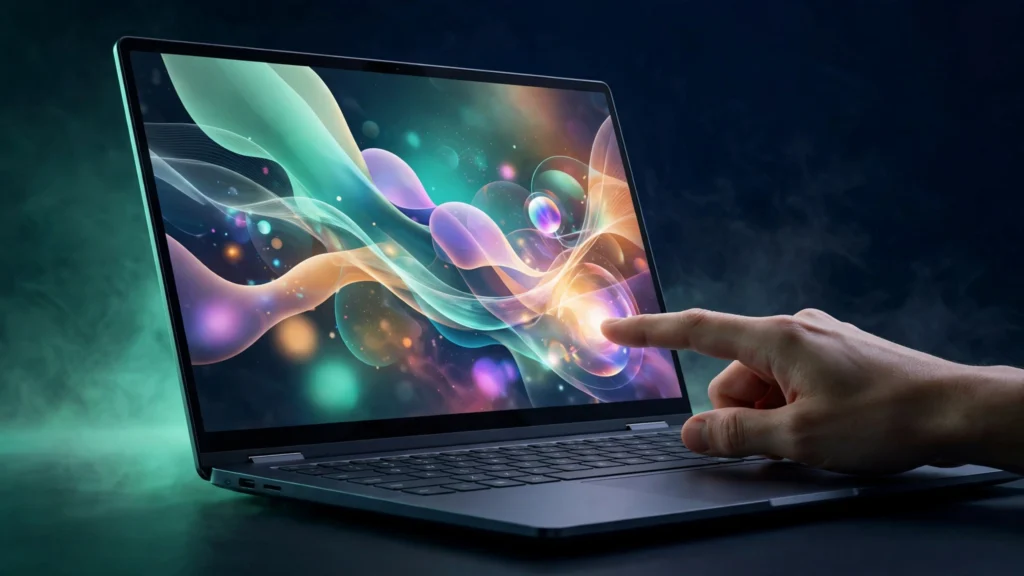
The touchscreen MacBook Pro is real. At its “Pro and tell” event in Los Angeles on October 28, 2026, Apple unveiled its first MacBook Pro with a touchscreen, pairing it with a new tandem OLED display, M5 Pro and M5 Max chips, and a Dynamic Island in place of the familiar notch. It ends one of Apple’s longest-held design positions and, just as importantly, it brings a display upgrade that many buyers would have wanted even without touch.
For years, Apple argued that the Mac was built for keyboard and trackpad, and that touch belonged on the iPad. That argument has not vanished. Touch on this touchscreen MacBook Pro is positioned as an additional input, alongside the keyboard and trackpad, not a replacement for them. This is not a Mac that folds into a tablet, and it is not an iPad running macOS. It is a conventional MacBook Pro that also responds to taps, swipes, and direct manipulation when that is the fastest way to do something. For the wider context of the launch, see our coverage of Apple’s Pro and tell event in October 2026.
The touchscreen MacBook Pro display: PROLED XDR explained
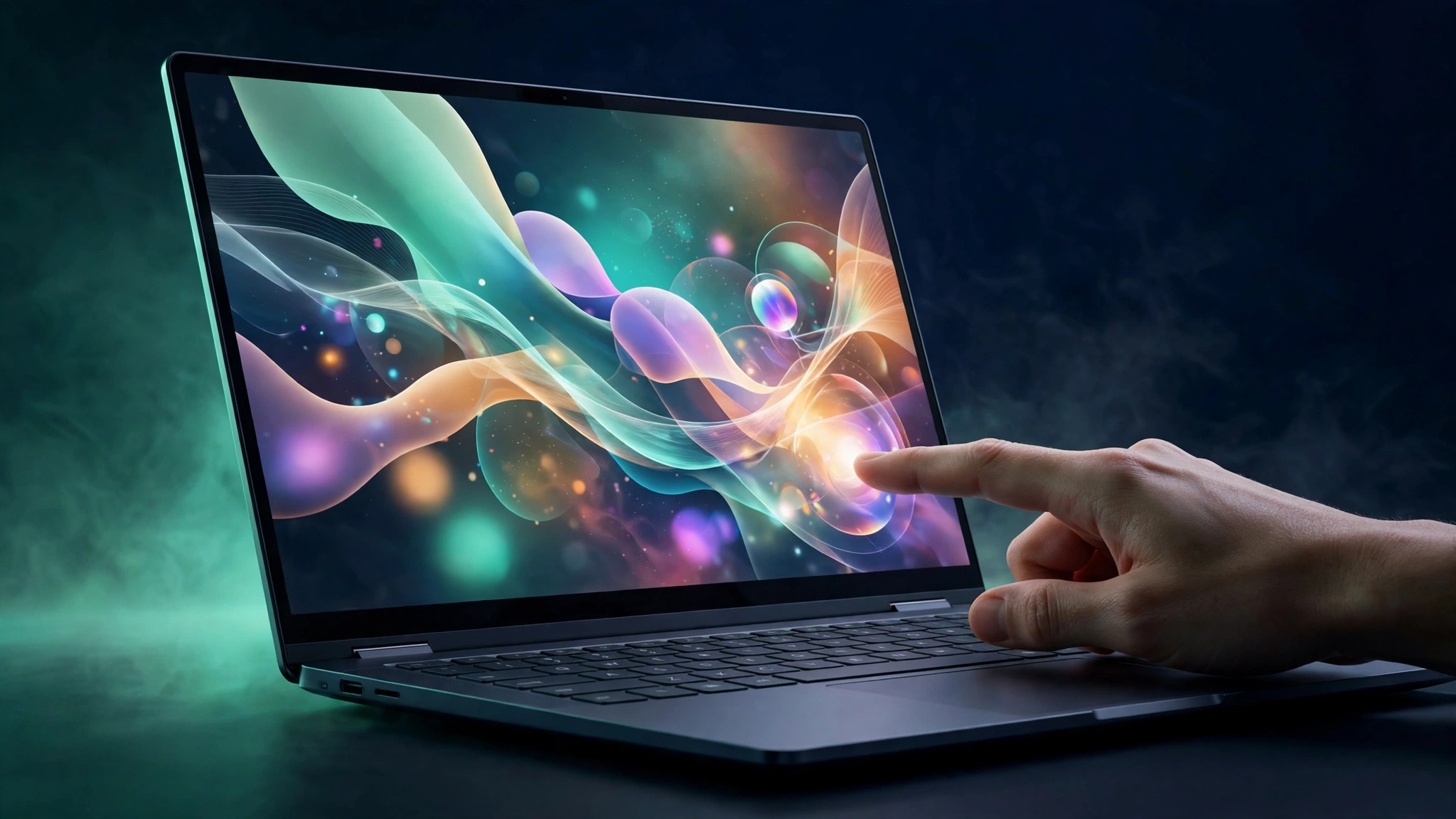
The headline change is the display itself. Apple calls it PROLED XDR, a tandem OLED touchscreen display. Tandem OLED stacks two layers of OLED material together, an approach already used in high-end tablets and monitors to improve brightness and longevity compared with a single OLED layer. Apple has not pitched this as a simple panel swap. It is the centrepiece of the new machine.
OLED brings the qualities buyers expect from the technology: deep blacks, strong contrast, and vibrant colour, because each pixel produces its own light rather than relying on a backlight. On a laptop, that difference is most obvious in dark scenes, photo editing, and video work, where shadow detail and contrast matter. It also changes everyday use in subtler ways. Video looks richer, and there is no backlight glow washing out dark areas.
How good touch feels will depend heavily on software. Apple says the interface has been adapted for touch, with reports pointing to a touch-adapted interface under the name macOS Golden Gate. Buttons need to be comfortably tappable, menus need to work without fiddly precision, and gestures need to feel consistent rather than bolted on. Early hands-on reviews will matter here, because a touchscreen is only as good as the software that supports it.
Dynamic Island replaces the notch
The second visible change is at the top of the screen. The notch that has housed the MacBook Pro webcam is gone, replaced by the Dynamic Island. iPhone users will recognise the concept: a pill-shaped cutout that expands and contracts to show live information, alerts, and controls. On the Mac, it gives Apple a way to present system activity without taking over the whole menu bar.
M5 Pro and M5 Max: the chips inside
Underneath the new display, the machine runs on Apple’s M5 Pro or M5 Max chips, offered in both 14-inch and 16-inch sizes. The tiering will be familiar to MacBook Pro buyers. The Pro chip is the mainstream professional option, covering developers, photographers, video editors, and others who need serious performance. The Max chip sits above it for heavier workloads where extra graphics and processing headroom saves real time.
What Apple has not done is ask buyers to choose between touch and performance. This is a full MacBook Pro, not a cut-down variant with a touchscreen attached. Storage goes up to 16TB, which tells you who Apple has in mind: professionals with large media libraries and extensive project files. There are three Thunderbolt 5 ports, keeping the machine well connected for high-speed storage, displays, and docks.
Design details: a glowing logo returns
Apple has also brought back the glowing Apple logo on the lid, a detail that will stir nostalgia among long-time Mac users. The illuminated logo was a signature MacBook feature for years before Apple moved to a simpler, non-lit logo. Its return is not a performance feature, but it is a deliberate design statement: this machine is meant to be noticed.
More practically, the 14-inch model weighs 3 pounds. That is light for a professional laptop with this level of capability, and it matters for anyone who carries a machine daily. A laptop that is powerful on a desk but a burden in a bag tends to stay on the desk. At 3 pounds, the 14-inch model is firmly in everyday-carry territory, even with a touchscreen and OLED panel on board.
Prices, pre-orders, and the November 6 release date
Pricing makes the positioning clear. The 14-inch MacBook Pro with M5 Pro starts at $2,899, while the 16-inch model with M5 Pro starts at $3,399. Configurations with the M5 Max chip start at $4,499 for the 14-inch model and $4,799 for the 16-inch model. Pre-orders opened on October 28, 2026, the same day as the announcement, and the machines arrive in stores on November 6, 2026.
Those prices put the touchscreen MacBook Pro firmly in premium professional territory. Buyers should expect the final price to rise quickly once higher storage, more memory, or the Max chip are selected, so configure carefully rather than assuming the starting price is the price you will pay. The November 6 date is also shared with several other new Apple products from the same week, suggesting Apple wants a strong start to the holiday season, with multiple new machines available on the same day.
The rest of Apple’s week: cheaper M6 MacBook Pro and iMac
The touchscreen MacBook Pro was not the only Mac announced that week, and the other announcements change the buying decision considerably. Apple also introduced a 14-inch MacBook Pro with the M6 chip starting at $1,999, a 24-inch iMac with M6 starting at $1,499, and an OLED iPad mini starting at $699. All of them also arrive on November 6, 2026.
The M6 MacBook Pro is the key alternative. At $1,999, it undercuts the touchscreen M5 Pro model by $900, while still offering a 14-inch professional MacBook Pro. For many buyers, that will be the more sensible choice. You lose the OLED touchscreen, the Dynamic Island, and the M5 Pro or Max chip tier, but you gain a substantially lower price for a machine that will still handle professional work well. If touch is not a priority and OLED is a nice-to-have rather than a necessity, the M6 model deserves serious consideration.
Reports also note that the existing mini-LED MacBook Pros remain in the lineup for now. That is good news for buyers who want a proven MacBook Pro without paying for the newest display technology. The mini-LED models remain excellent machines, and their continued presence gives buyers a third path: proven technology, professional performance, and potentially better value as the new models take the spotlight.
That crowded lineup is a reminder of how fast Apple’s cycles move, as our recent coverage of Apple’s first foldable iPhone selling out also showed: strong demand, a fast-moving lineup, and buyers having to decide quickly whether to jump in or wait.
Who should buy the touchscreen MacBook Pro?
The touchscreen MacBook Pro makes most sense for three groups. The first is creative professionals who will genuinely benefit from OLED: photographers, video editors, designers, and anyone who judges colour and contrast for a living. For them, the display alone may justify the price, with touch as a useful bonus for scrubbing timelines and selecting images directly.
The second group is professionals who already use touch elsewhere and want consistency across devices. If you annotate documents on an iPad or simply find yourself reaching for a touchscreen out of habit, a Mac that responds to touch will feel natural. The value here is not a single killer feature, but the removal of friction across dozens of small interactions each day.
The third group is buyers who want the latest MacBook Pro and are willing to pay for it. Early adopters drive new categories, and Apple clearly expects this machine to appeal to enthusiasts as well as professionals.
For everyone else, the case is less clear-cut. If you mainly write, browse, manage spreadsheets, and join video calls, a touchscreen MacBook Pro will not transform your work. If your budget is tight, the $900 gap to the M6 MacBook Pro is significant money. And if you already own a recent MacBook Pro that still performs well, there is no urgency to upgrade for touch alone.
Touch on Mac: why Apple changed its mind
Apple’s long resistance to touch on the Mac was never just stubbornness. The company argued that reaching up to touch a vertical screen is tiring, that macOS was designed for precise pointer input, and that the iPad already served touch-first users. Those arguments still have merit. Arm fatigue is real, and a laptop screen is not a tablet screen.
What has changed is the context: touchscreens are now standard on competing professional laptops, and software can adapt to both pointer and touch input more gracefully than a decade ago. Apple is acknowledging that touch can be useful as an addition, even if it should not replace the keyboard and trackpad. If you buy this machine expecting a tablet experience, you will be disappointed; expect a great MacBook Pro that occasionally lets you tap the screen instead of reaching for the trackpad. For a broader view on screen technologies and price tiers, our 2026 laptop buyer’s guide walks through the trade-offs that matter.
Conclusion: a big step, but not for everyone yet
Apple’s first touchscreen MacBook Pro is a landmark product, even if it is not the right purchase for every Mac user. The combination of a tandem OLED display, the Dynamic Island, M5 Pro and M5 Max chips, and touch input marks a clear break from the MacBook Pro of the past few years. It shows Apple willing to rethink a product it had previously declared finished in its current form.
The buying decision comes down to a simple question: will you use what you are paying for? If OLED matters to your work, if touch fits how you already interact with devices, or if you want the most advanced MacBook Pro available on November 6, the touchscreen MacBook Pro is an exciting and credible choice. If those things do not apply, the cheaper M6 MacBook Pro, or even an existing mini-LED model still in the lineup, will serve you well for considerably less money.
Either way, Apple has crossed a line it defended for years, and once that line is crossed, it rarely goes back. Buy it because it fits your work today, not because you fear missing out on tomorrow.